Complete GPU Driver Removal
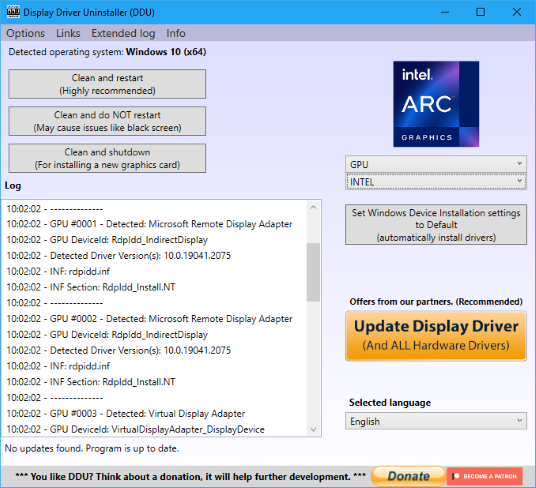
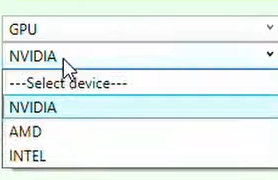
DDU fully supports the removal of display drivers from all major manufacturers: NVIDIA, AMD, and Intel. Whether you are switching brands (e.g., from NVIDIA to AMD) or just updating your current card, DDU ensures no conflicting files remain.
- Removes NVIDIA GeForce Experience & Control Panel
- Cleans AMD Adrenalin Software
- Wipes Intel Graphics Command Center
Registry & Driver Store Cleanup
Standard uninstallers often leave "orphan" registry keys and files in the Windows Driver Store. These leftovers can cause version conflicts and prevent new drivers from installing correctly. DDU scans and removes these hidden remnants.
Technical Details: Registry Keys Modified
DDU targets specific registry keys to ensure complete removal. Below are examples of the paths cleaned during the process:
HKEY_LOCAL_MACHINE\SOFTWARE\NVIDIA Corporation
HKEY_LOCAL_MACHINE\SOFTWARE\Wow6432Node\NVIDIA Corporation
HKEY_LOCAL_MACHINE\SYSTEM\CurrentControlSet\Services\nvlddmkm
HKEY_LOCAL_MACHINE\SYSTEM\CurrentControlSet\Services\Ati T200
HKEY_LOCAL_MACHINE\SYSTEM\CurrentControlSet\Services\amdkmdag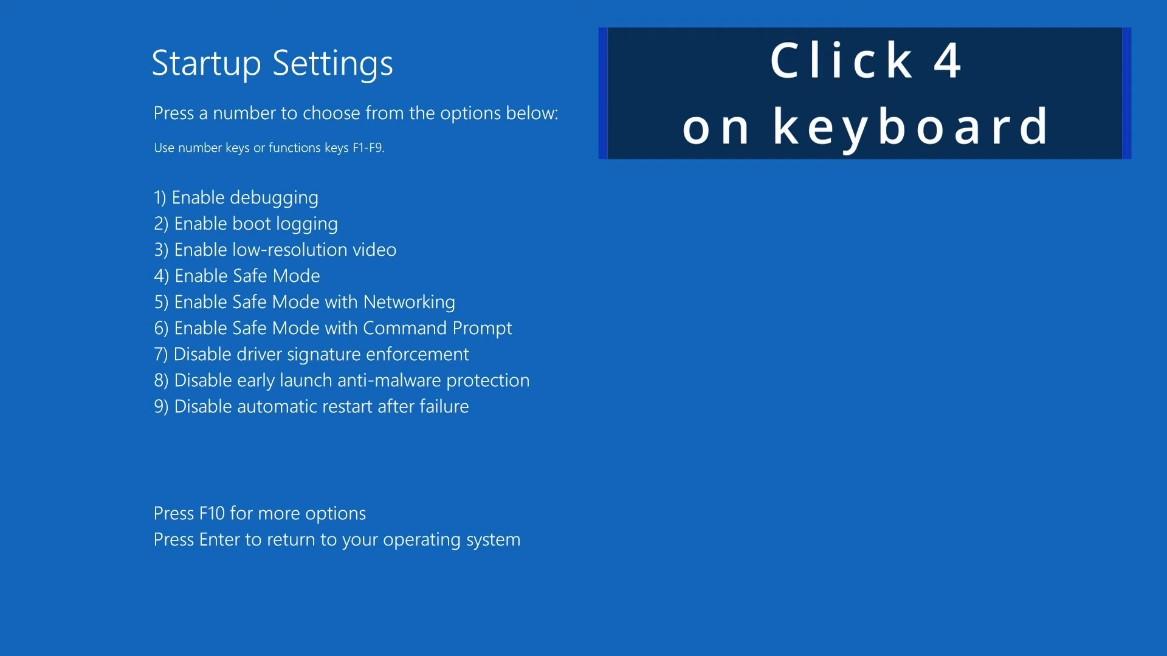
Safe Mode Integration
For the best results, DDU is designed to run in Windows Safe Mode. This prevents files from being "in use" or locked by the operating system, allowing DDU to delete them without errors.
Note: While DDU can run in Normal Mode, Safe Mode is highly recommended for stability and completeness.
Audio Driver Removal
DDU isn't just for graphics. It also supports the removal of Realtek audio drivers and SoundBlaster drivers, helping to resolve sound crackling, popping, or driver conflicts.
Windows Update Prevention
DDU can temporarily prevent Windows Update from automatically downloading and installing a generic driver immediately after you uninstall your current one, giving you time to install the official driver you downloaded.